
The challenge
Support requests get lost in email.
When issues arrive by email and phone, nobody clearly owns them, clients can’t see progress, and there is no record of who approved or changed what.
10 — Ticketing & support portal
Gave clients one place to raise issues and the team one queue to resolve them, every step on record.
Overview
Crita’s support desk for its clients: a help centre and knowledge base, a simple form to raise tickets with attachments, and an admin queue where each ticket is assigned, reviewed, approved, resolved and closed — with its full history.
The challenge
When issues arrive by email and phone, nobody clearly owns them, clients can’t see progress, and there is no record of who approved or changed what.
What we built
Crita built a portal with two sides. Requesters raise tickets by type and priority, attach files and follow their status. Administrators work one queue — assign, review, approve, resolve and close — reply to the requester or add internal notes, and every status change is recorded.
Product experience
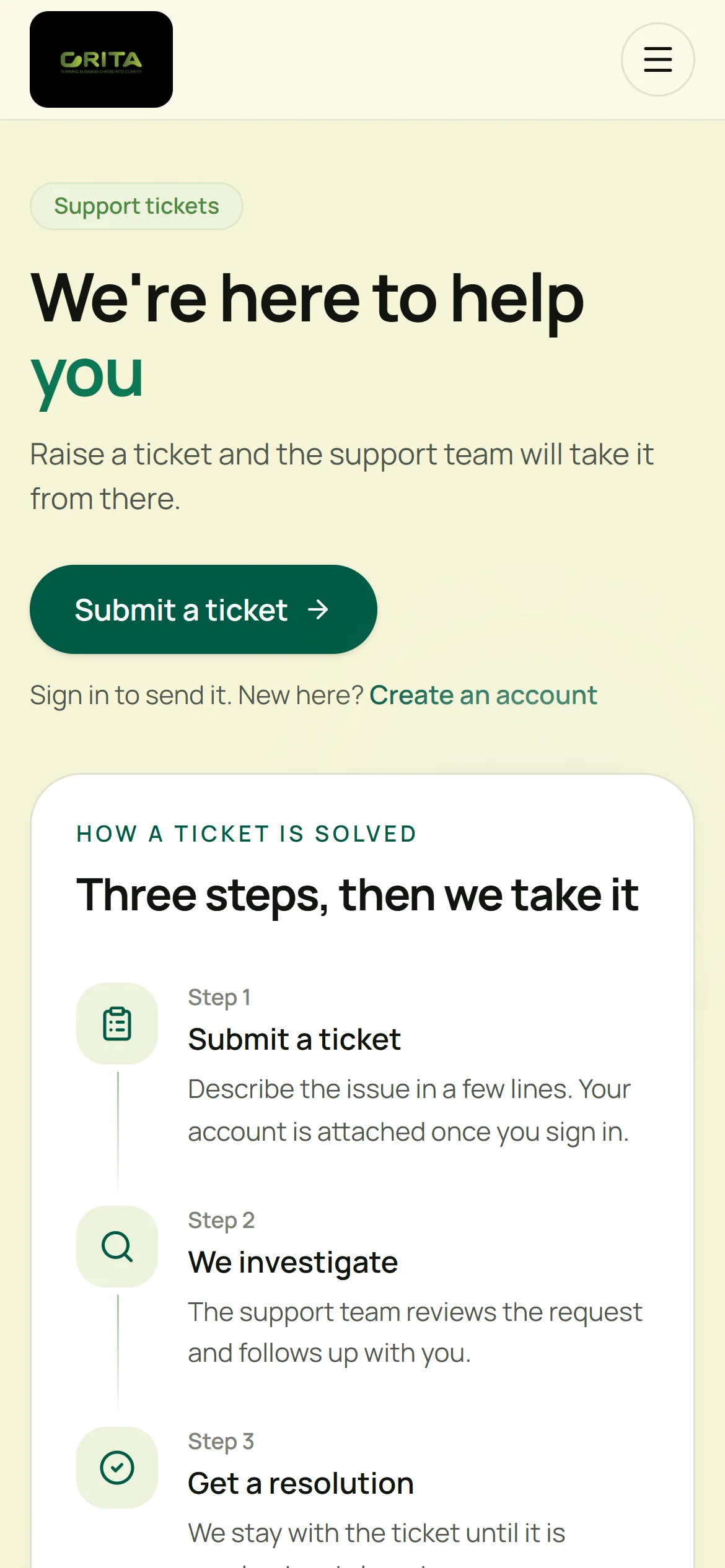
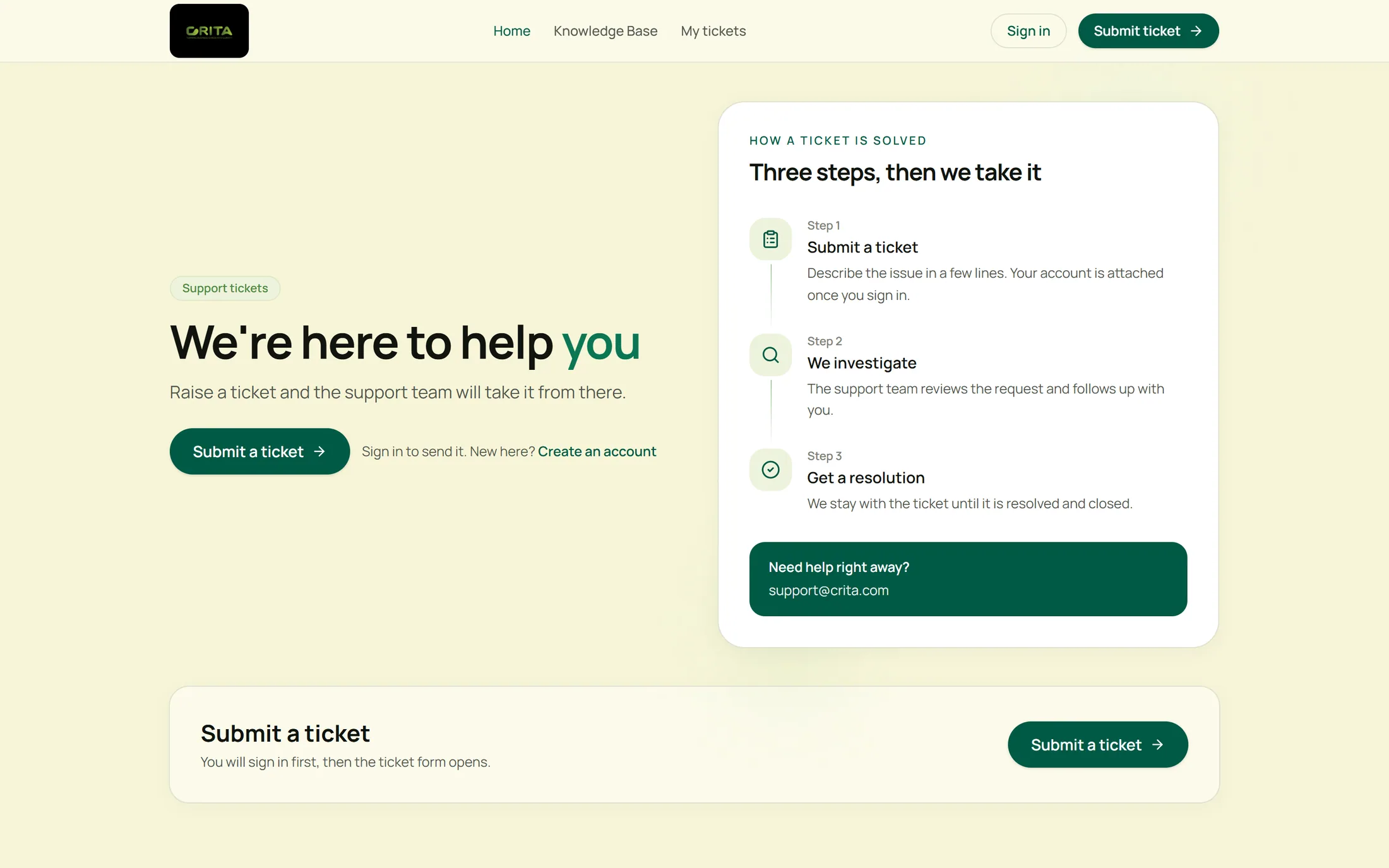
A public help centre explains how tickets are handled and links to the knowledge base.
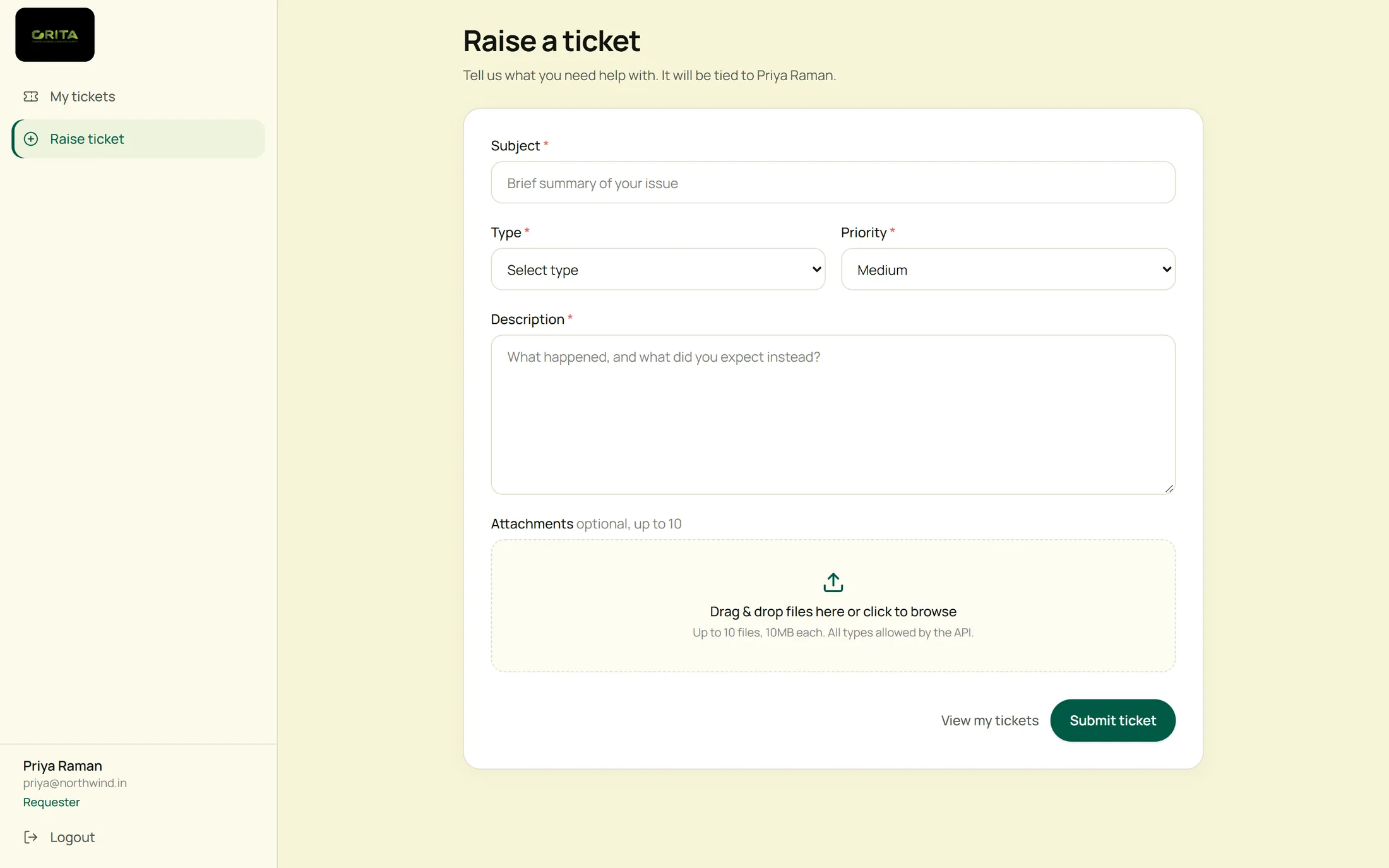
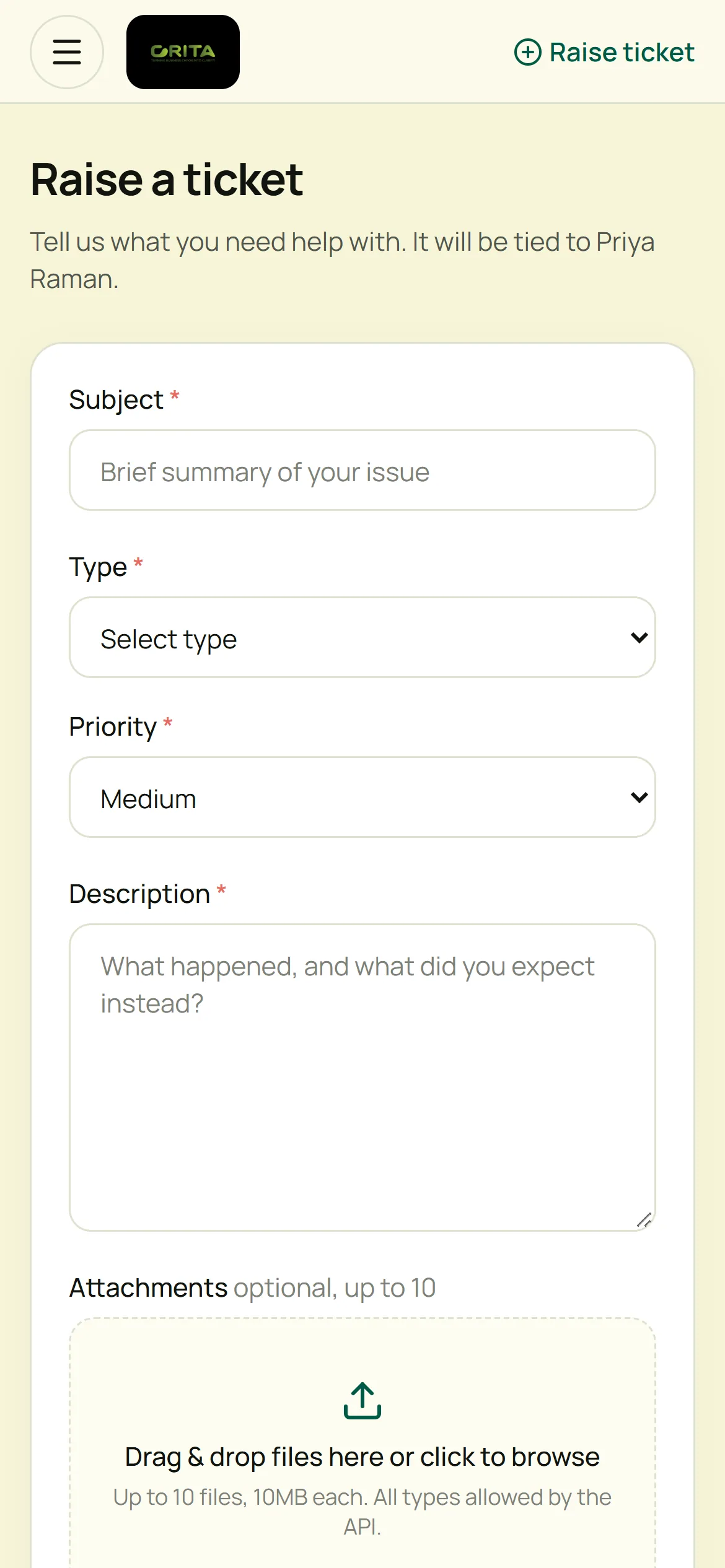
Type, priority, a description and attachments — tied to the requester’s account.
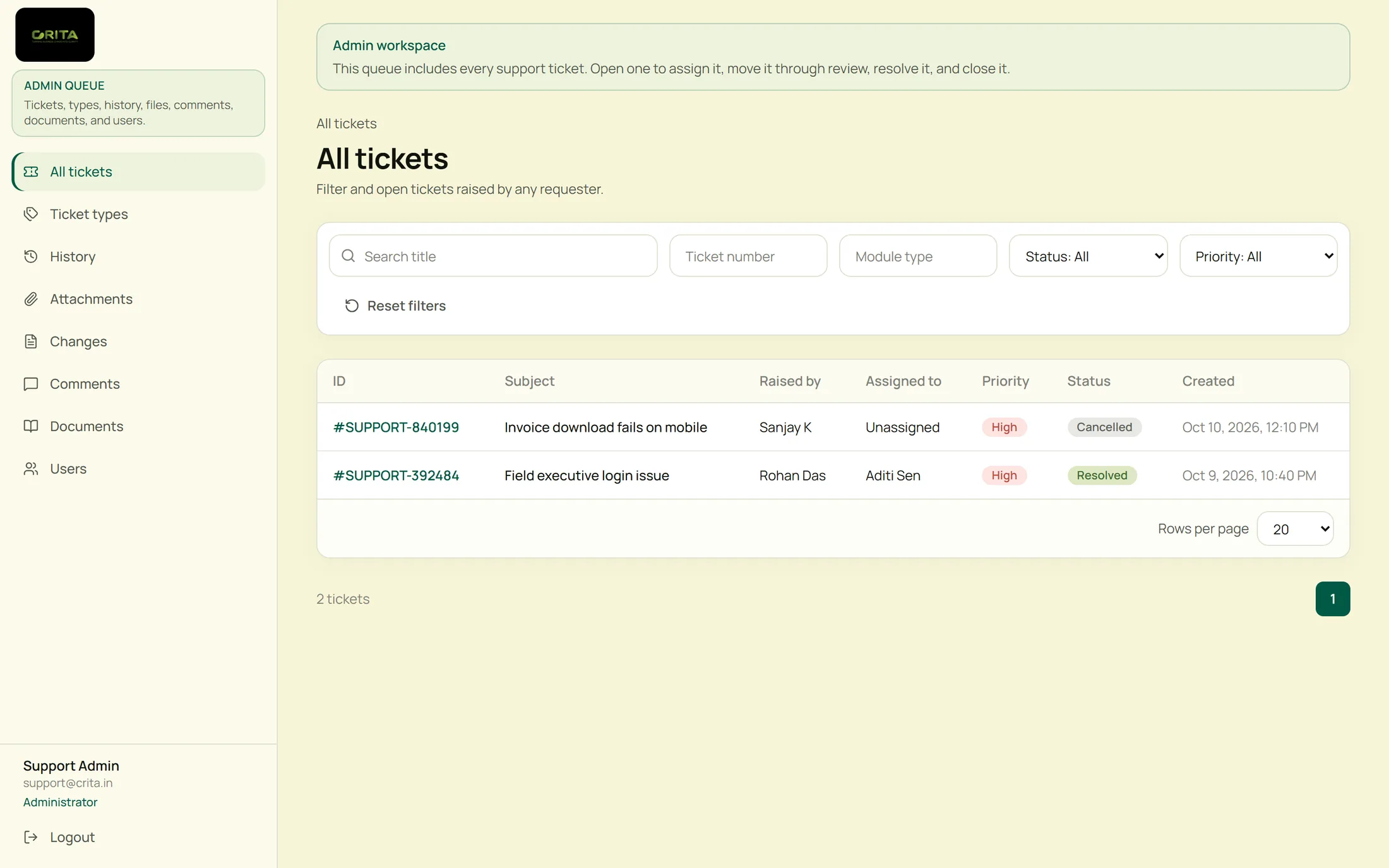
Every ticket, its requester, owner, priority and status in one filterable list.
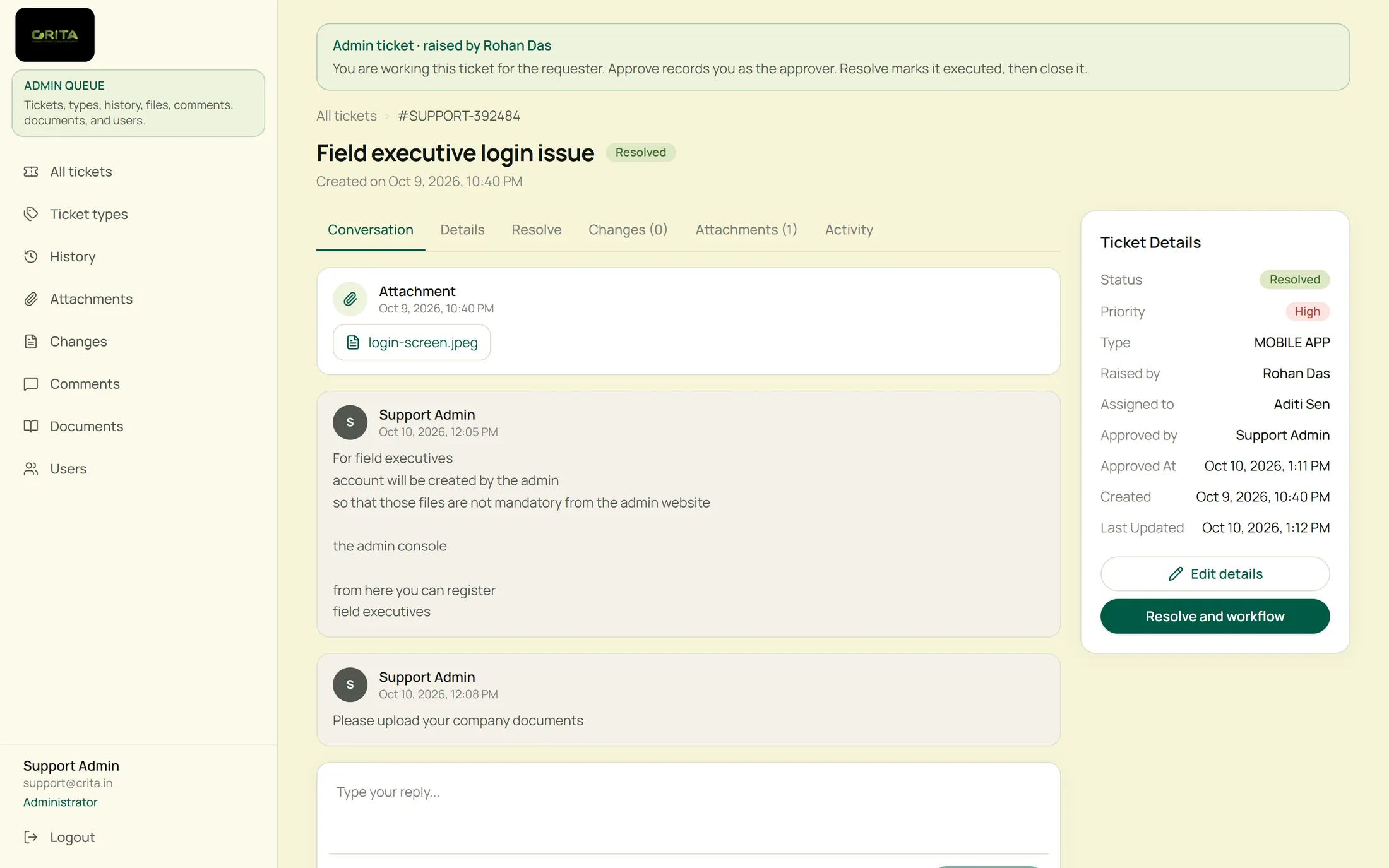
Conversation, details and the workflow on one screen, with the approver recorded.
Key capabilities
Answers by topic — getting started, accounts, billing, integrations, APIs and troubleshooting.
Subject, type, priority and description, with up to ten attachments.
Every ticket with its requester, assignee, priority and status, filterable by each.
Review, approve, resolve and close — with replies to the requester and notes they never see.
Status changes with who made them and when, across every ticket.
Ticket types set by administrators, each with or without an approval step.
Role-based experience
Each role sees only what it needs, on the device it actually works on.
Desktop & mobile
Raises and follows tickets.
Desktop
Works the whole queue.
Responsive experience
Clients raise and follow tickets from their phones; the support team can check the queue on the move.
Support portal home
Raise a ticket
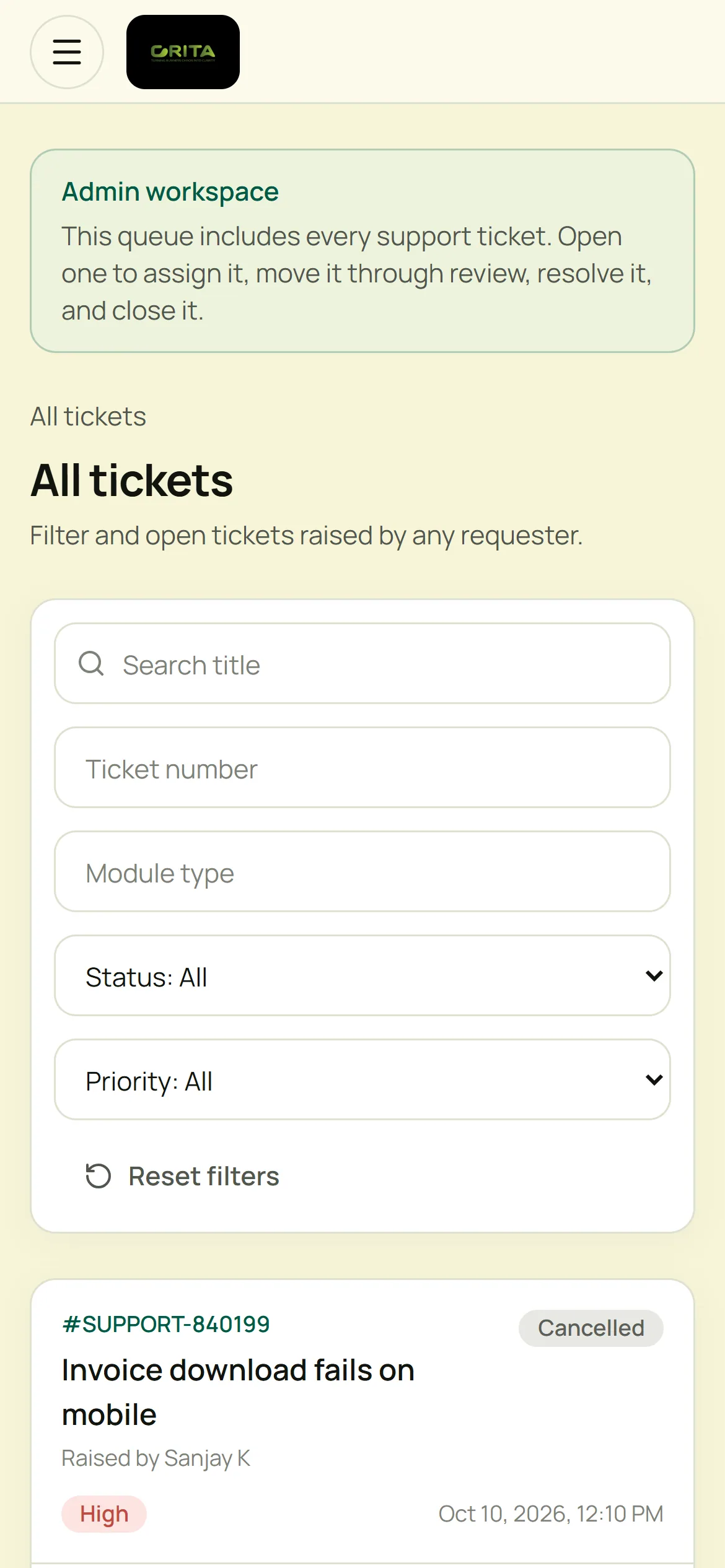
Admin queue
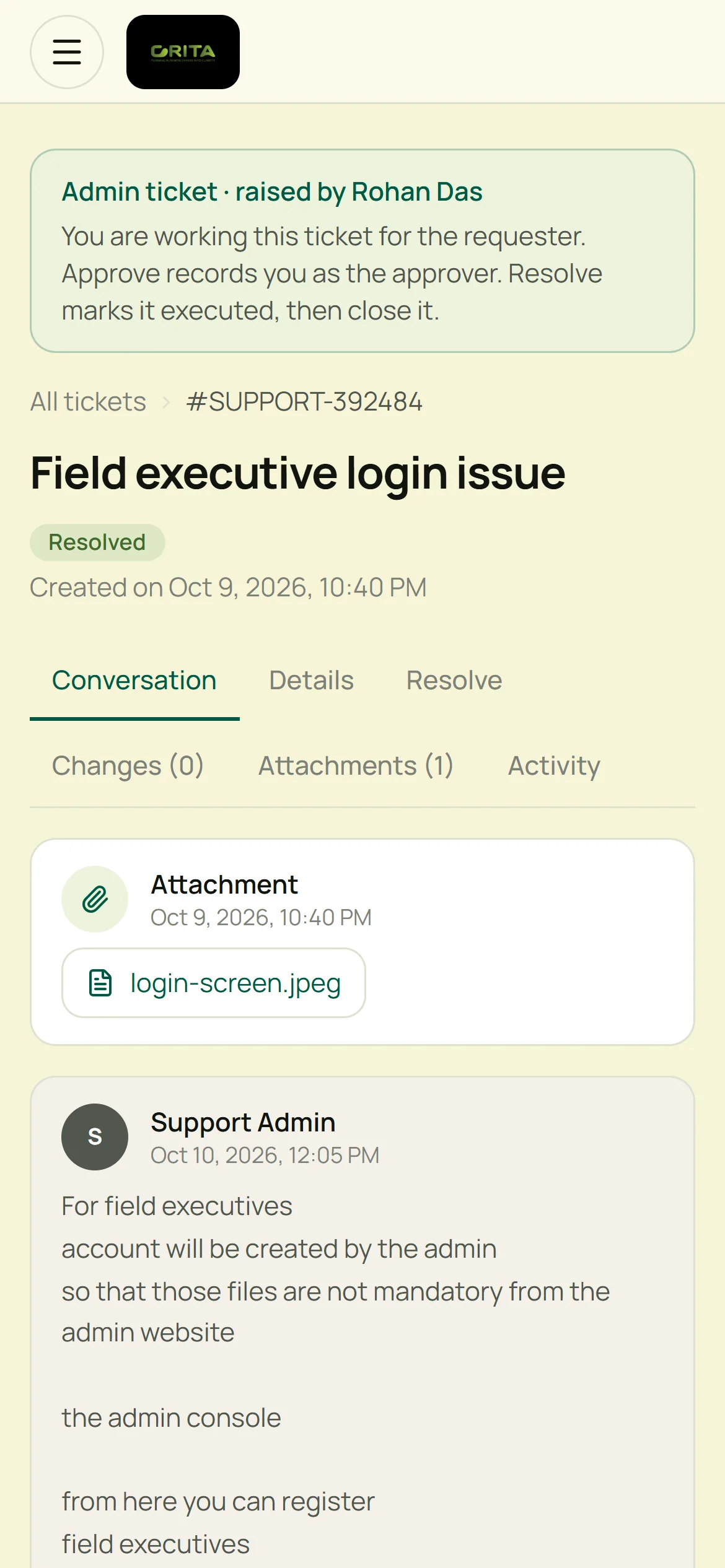
Ticket on mobile
Business value
Every request has an owner, a status and a history.
Requesters see their tickets and replies without chasing.
Tickets that need sign-off record who approved them and when.
A knowledge base handles common questions first.
Technology & delivery
Product demo
Our team will walk you through the Requester and Administrator views and answer your questions.
Request Demo →Opens an email to abishek@crita.in
Development instance with test tickets; names and emails are anonymised.